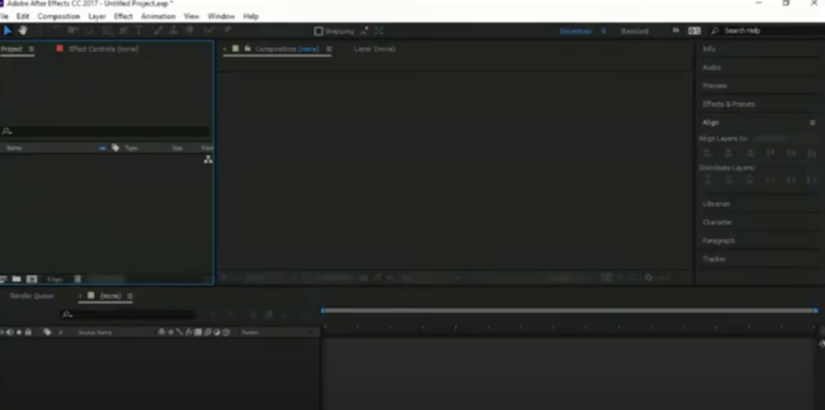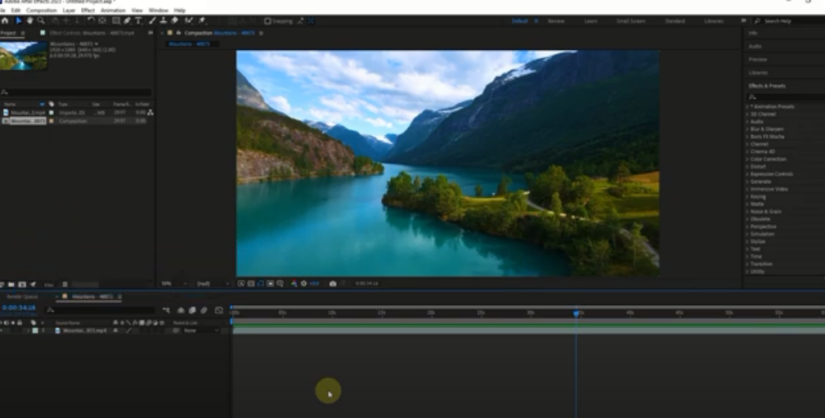
Adobe After Effects is a program that is designed to edit video files. The program is developed by Adobe Inc, which is known as the author of Adobe Photoshop. The…Continue readingAdobe After Effects

Adobe After Effects is a versatile tool for editing video files. With its help, you can change the speed, duration of the video, add subtitles and various special effects to…Continue readingAdobe After Effects features

Effects LibraryWhat really sets After Effects apart from all other video applications is its extensive effects library. There are literally hundreds of built-in effects that can be combined to create…Continue readingWhat After Effects is used for
In the program you can: Design a website or mobile application. Visualize the work of the site elements, animation when changing images; Record the features of the interactive interface for…Continue readingSystem requirements and installation
About
My name is Jose Waller and I am a professional motion designer. I created this blog to introduce you to the popular Adobe After Effects program. Here I tell you…Continue readingAbout
An After Effects project is a file with compositions and links to all the source files that are used by the video elements in the project. Compositions are sets of…Continue readingProjects
The composition is the basis of the video. Each composition has its own timeline. Typically, a composition contains several layers that represent components such as video and audio sequences, animated…Continue readingThe basics of composition
If you want to group multiple layers that are already in a composition, you can perform a pre-composition of those layers. In a pre-composition, layers are placed in a new…Continue readingPreliminary composition
Some simulation effects use a number of common controls. The “Card Displacement” effect also uses many of the controls that are also used by the “Card Dance” effect. The “Lighting”…Continue readingImitation effects
The “Brush Strokes” effectThe “Brush Strokes” effect creates the effect of an image drawn with coarse strokes. You can also use this effect to create a pointillist style effect for…Continue readingStylization effects
The “Reverse Order” effectThe “Reverse Order” effect plays back the audio in the layer in reverse order by playing the audio from the last frame in the first frame. The…Continue readingAudio effects
After Effects contains a large set of distortion effects, both proprietary and third-party, that allow you to distort (deform) images. Warp effects include the ability to correct or stabilize images…Continue readingDistortion effects
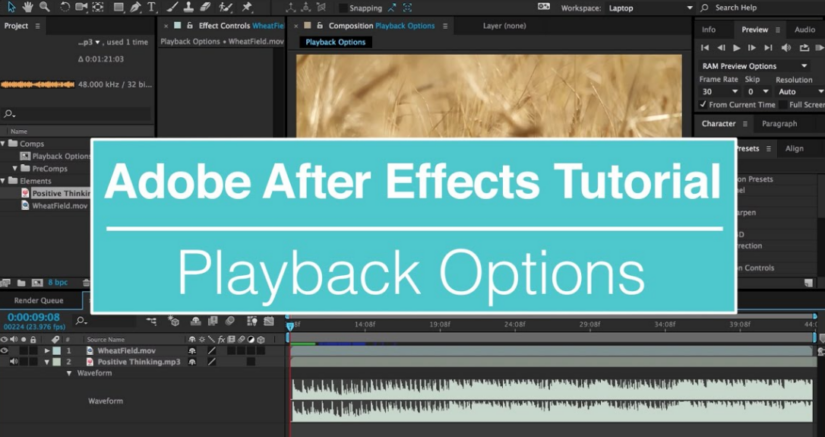
After Effects (AE), renowned for its extensive capabilities in film and animation fields, empowers users to produce visually captivating works. However, numerous users encounter difficulties when attempting to seamlessly view…Continue readingMastering Video Playback in After Effects
Adobe After Effects provides a powerful tool known as ‘expressions,’ which empowers users to automate animations, craft dynamic effects, and inject interactivity into their motion graphics projects. Expressions (hereinafter also:…Continue readingMastering Expressions in Adobe After Effects
Unlock the secrets to swiftly modifying layer transparency and achieving seamless fade-in and fade-out effects in After Effects. This article provides step-by-step instructions on how to effortlessly change the opacity…Continue readingHow to Modify Fade In/Out Layers in After Effects
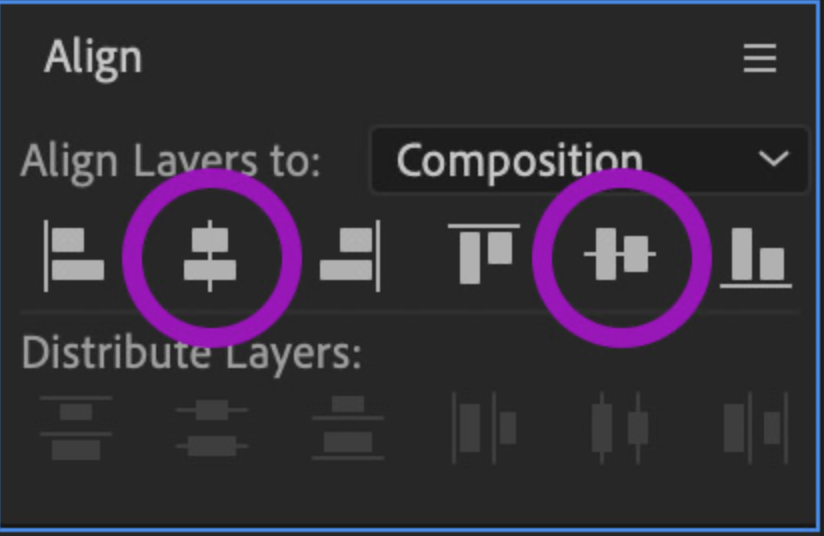
When it comes to creating visually appealing videos and animations, proper text alignment and positioning play a crucial role. One popular software used by professionals for motion graphics and visual…Continue readingHow to Center Something in After Effects: A Guide
Shadow is a powerful visual effect used in motion graphics and video editing to add depth and dimension to objects. It creates a sense of realism by simulating the interaction…Continue readingDrop Shadow Tutorial – After Effects
Streamline your design workflow with AI Decksy presentation generator, an advanced presentation maker that turns raw ideas into professional slide layouts instantly. It’s the ultimate shortcut to bypass creative block and generate presentation-ready drafts.